ADIVOR Design Connect
Bring AI into your CAD.
Bring AI into the tools your team already uses. Compare revisions, evaluate changes to existing plants and prepare engineering documentation.
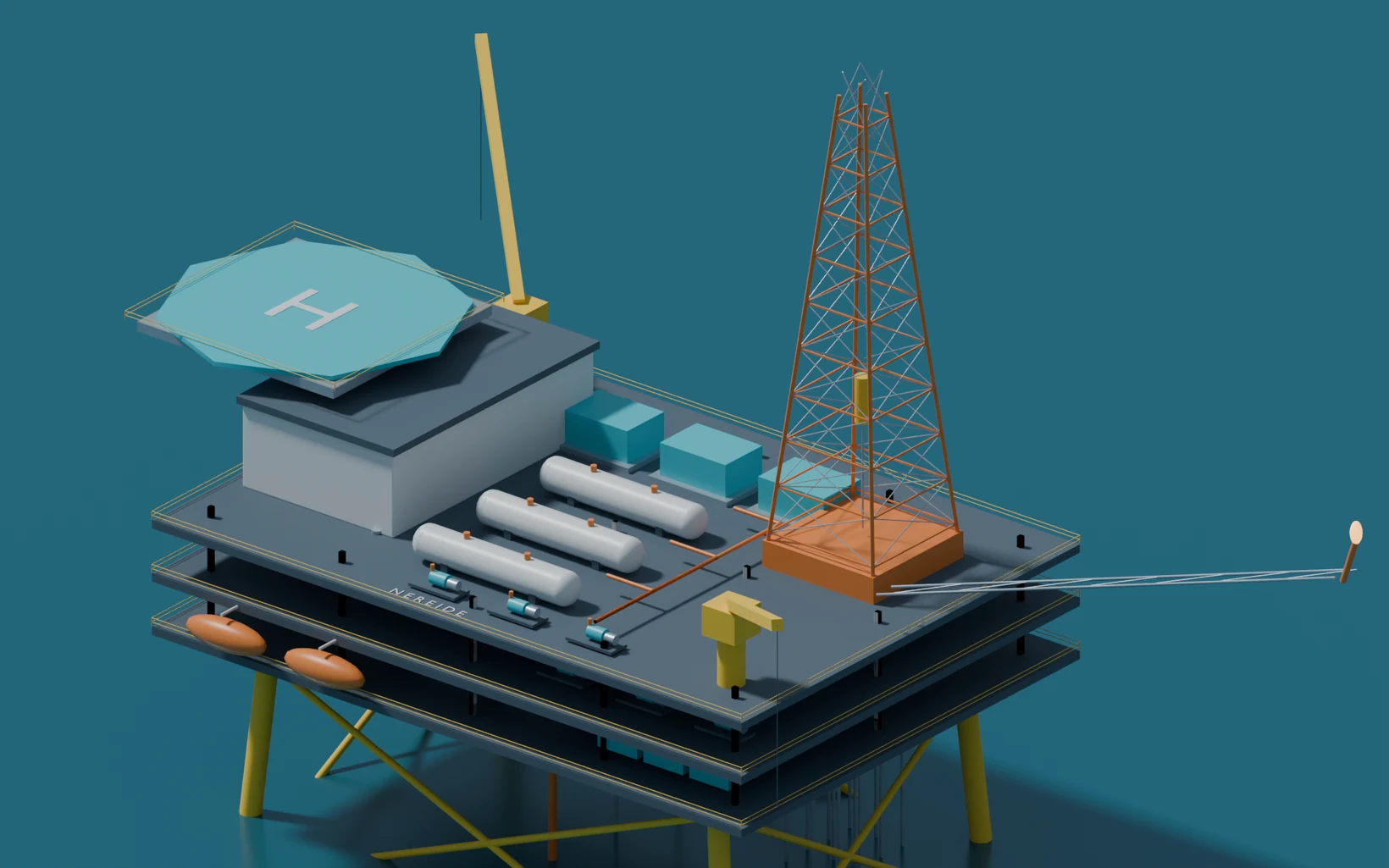
From the model to the detail.
Five ADIVOR 3D studies showcase equipment, piping, structures and layouts. Zoom into the renderings, visit the project pages or explore the interactive models.
More time for engineering decisions.
Compare revisions
Identify added, moved or changed components and bring those differences into the design review.
Evaluate retrofits before site work
Review routing, clearances and maintenance access before modifying existing machinery and plant.
Prepare information for your team
Gather data, views and technical documentation to discuss changes with engineering, production and maintenance.
Compatible software.
ADIVOR works with you to identify the software to connect and checks which operations are available in your environment and under your licences.
Mechanical design and manufacturing
- SOLIDWORKS
- Autodesk Inventor
- Autodesk Fusion
- CATIA
- Siemens NX
- Siemens Solid Edge
- PTC Creo Parametric
- Onshape
- FreeCAD
- OpenSCAD
- CadQuery
2D drafting and DWG
- AutoCAD 2D and 3D
- BricsCAD
- ZWCAD
- GstarCAD
- QCAD
- ezdxf
Plant design, BIM and structures
- AutoCAD Plant 3D
- Civil 3D
- AVEVA E3D Design
- Revit
- Navisworks
- Tekla Structures
- Archicad
- Vectorworks
- SketchUp
- Bonsai
- STAAD.Pro
- Bentley iTwin
- Bentley iTwin IoT
- IFC Viewer Online
Electrical design and 3D visualization
- EPLAN Electric P8
- EPLAN Pro Panel
- Altium Designer
- KiCad
- Rhino
- Grasshopper
- Blender
- Maya
- 3ds Max
A subscription managed by ADIVOR.
We start with a practical need in your team. ADIVOR configures the service for your workflow and keeps it up to date.
How do we get started?
We start with the software you already use and a real workflow. ADIVOR checks compatibility and agrees the scope of your subscription with you.
Are updates included?
Yes. ADIVOR maintains the service and checks compatibility for the workflows you have activated.
Let’s talk about your project.
Tell us which programs you use and which task you’d like to try the service on.